Vending Machine Software Costs to Include in the Budget
A practical U.S. planning guide for vending machine software costs to include in the budget, built for founders, buyers, and operators comparing assumptions before committing capital.

What vending machine software costs should you budget for before launch?
If you are buying or launching a vending route, software is only one part of the budget. The real decision is how much to set aside for machine technology, payment systems, monitoring tools, service support, and the operating cash needed to keep the route running before sales stabilize.
For U.S. founders and buyers, the budget should be built around verified vendor quotes and local operating conditions, not a generic estimate. Software pricing can change with feature set, machine count, payment acceptance, setup fees, support terms, and whether the platform is bundled with hardware, inventory tools, or route management.
| What the reader is deciding | Which software features are truly needed, how they affect startup cost, and what should be included in launch funding. |
|---|---|
| What must be verified locally | Vendor quotes, machine compatibility, payment-processing terms, service fees, route coverage, and any market-specific lease, permit, or insurance requirements. |
In practice, the budget usually needs to account for both direct software spend and the expenses that software influences, such as inventory control, route mileage, maintenance, commissions, and working capital. That is why a clean budget should separate recurring platform costs from one-time setup and integration costs.
- Lease and buildout assumptions
- Equipment and machine compatibility
- Labor and route servicing time
- Menu and inventory economics
- Permits, site permissions, and local requirements
- Working capital for early operating months
- Funding readiness and documentation for lenders or partners
Next, use a practical framework to separate fixed software costs, variable operating costs, and the local inputs that change the budget from one vending launch to another.
Which software cost inputs should a vending machine budget capture first?
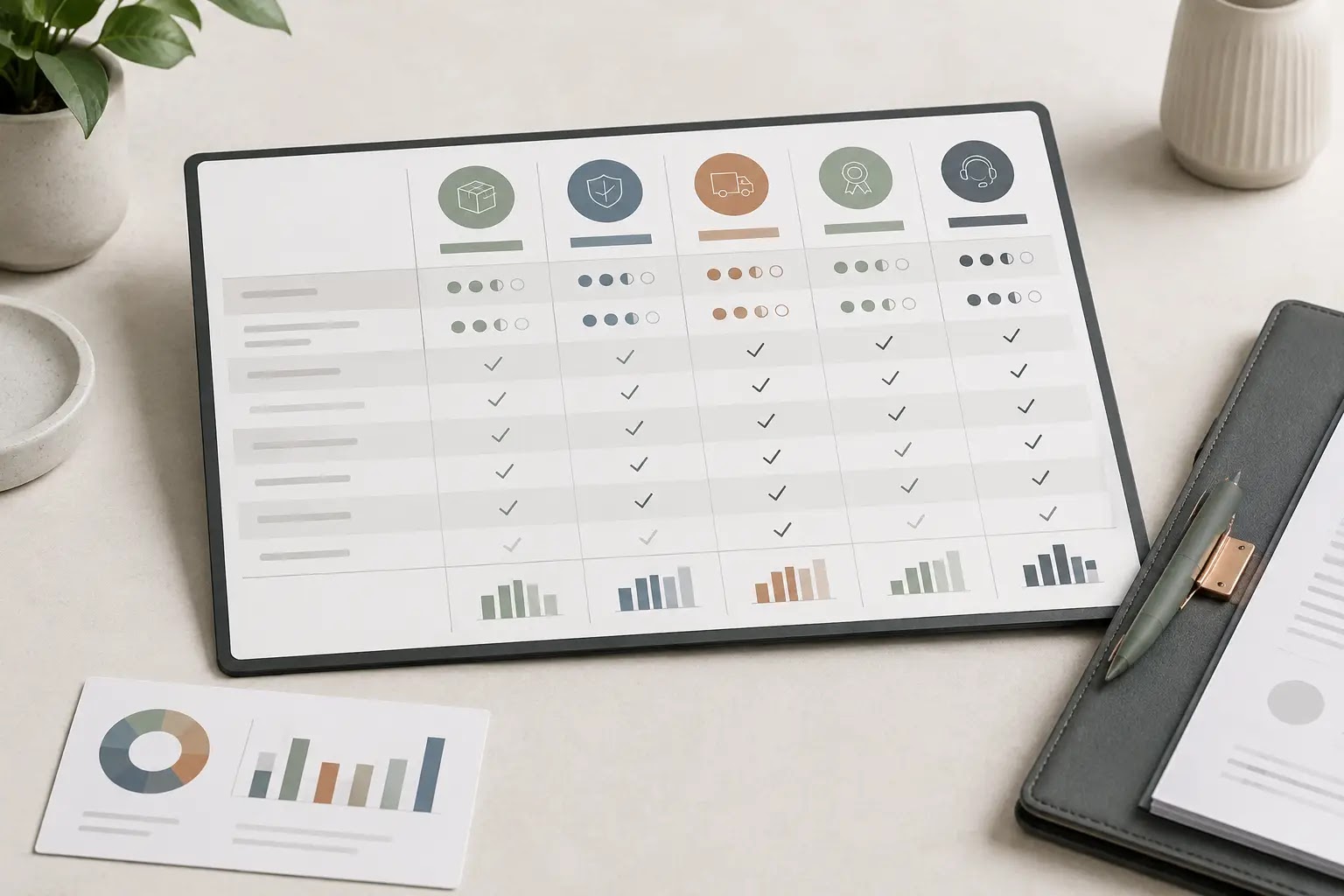
For a U.S. vending business, software is not just an admin line item. It can affect machine uptime, route mileage, inventory ordering, payment acceptance, repair response time, and the working capital you need before launch. The practical budget question is not “what does the software cost?” but “which operating inputs does the software change, and what does the vendor require to support them?”
Build the budget around operating drivers, not just subscription tiers
| Planning area | Question to answer | Input to collect | Model impact | Verification source |
|---|---|---|---|---|
| Machine telemetry and remote monitoring | Which machines need sales, stock, fault, or temperature visibility? | Machine count, model compatibility, alert settings, data fields, hardware add-ons | Recurring software cost, equipment add-on cost, fewer site checks, lower downtime risk | Vendor quote, machine manual, existing owner records |
| Cashless payment acceptance | Will every machine accept cards, tap, or mobile wallet payments? | Reader type, processor terms, activation needs, cellular requirements, support scope | Recurring processing and service costs, hardware cost, expected transaction mix | Processor proposal, device spec sheet, contract draft |
| Route management and mileage tracking | How will software affect stops, routing, and service scheduling? | Route count, stops per route, service frequency, vehicle use, mileage assumptions | Labor hours, fuel or vehicle expense, route efficiency, restock timing | Demo account, route sample, operator reference |
| Inventory and planogram control | Do you need SKU-level tracking and reorder prompts? | SKU count, par levels, expiration-sensitive items, reorder workflow | Inventory ordering cadence, shrink risk, spoilage assumptions, working capital needs | Software demo, sample reports, supplier ordering process |
| Maintenance and service logging | Will you track repairs, warranty issues, and service tickets in the system? | Machine age, expected service frequency, parts workflow, technician access | Repair reserve, downtime assumption, labor allocation, spare-parts stock | Service agreement, machine history, technician quote |
| Setup and onboarding | What is required to get machines, routes, and users live? | Number of users, data import needs, training hours, integration needs | One-time launch cost, internal admin time, launch timeline | Implementation statement, onboarding checklist, sales proposal |
| Support, data export, and contract terms | Can you exit, migrate, and access your data without friction? | Contract length, renewal terms, support hours, export format, ownership language | Flexibility, exit risk, hidden admin burden, vendor lock-in | Written contract, proposal, terms sheet |
| Location reporting and commissions | Do location partners require reporting, settlement, or commission tracking? | Location agreements, reporting cadence, commission method, settlement workflow | Administrative labor, commission reserve, reporting accuracy | Location agreement, landlord or site owner terms, internal tracking template |
How should a founder move from vendor research to documented assumptions?
- List every machine type, route, and location you expect to run so software quotes match the actual fleet mix.
- Separate one-time items from recurring items: onboarding, hardware, activation, subscriptions, transaction fees, support, and data services.
- Ask each vendor whether the software supports your machine models, cashless readers, inventory workflow, and route reporting.
- Request written terms for contract length, renewal, cancellation, data export, support response, and any minimum service commitments.
- Map software assumptions to operations: route mileage, labor hours, vehicle use, restock cadence, downtime, and repair response time.
- Document what is based on a quote, what is based on a vendor demo, and what still needs local verification or a second bid.
- Move only the confirmed items into your assumption sheet so the model separates facts, estimates, and placeholders.
Next, use these documented inputs to test recurring versus one-time costs, route efficiency, downtime, and payment-processing tradeoffs in the financial model.
How should software costs flow into your break-even and cash runway model?
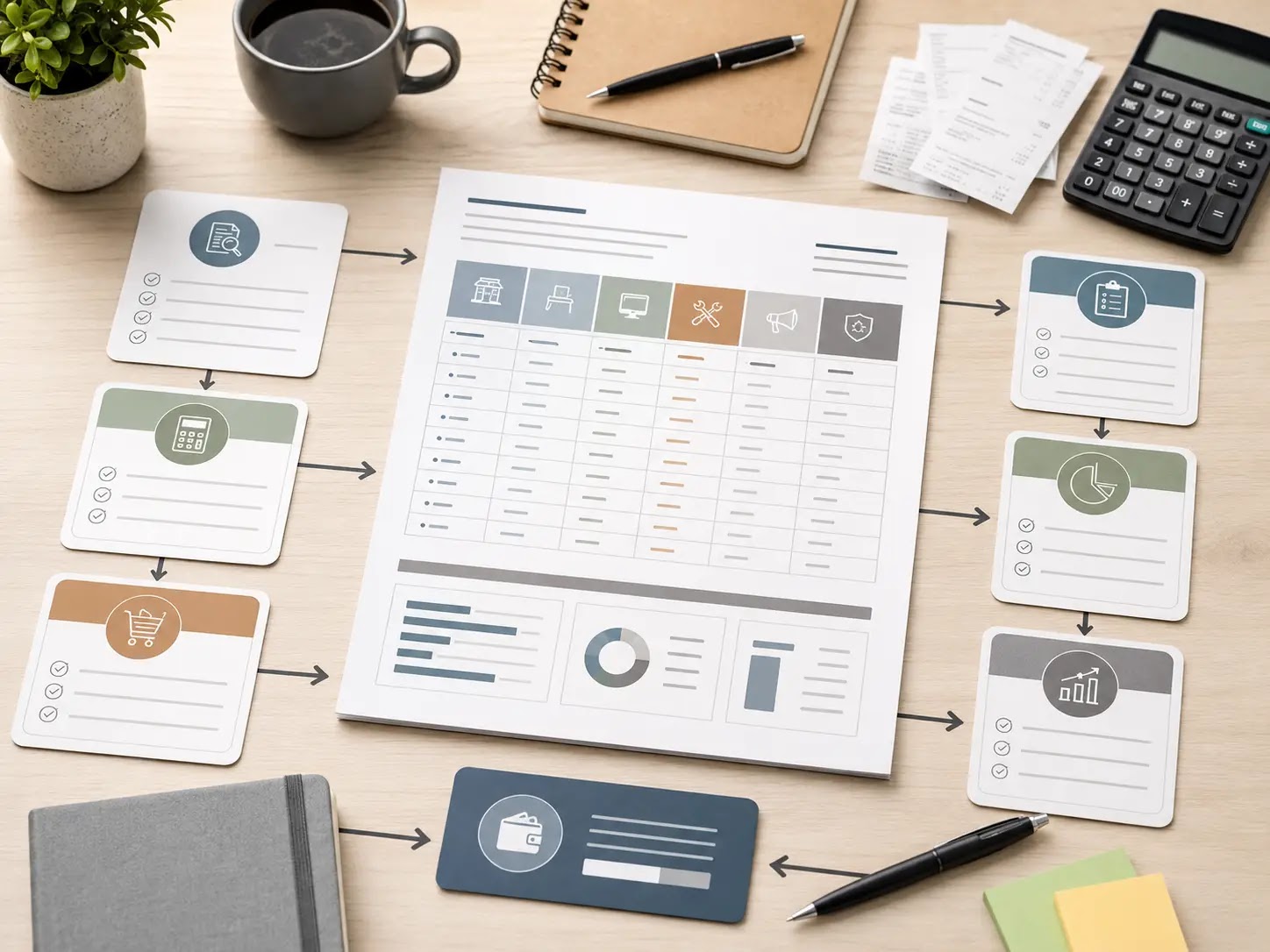
For a vending business, software is usually a recurring operating cost, not just a launch expense. It can affect startup cash, monthly fixed overhead, route efficiency, and the amount of working capital you need before sales settle. The main question is not whether the software is “good,” but whether the quote you receive fits your route size, machine mix, and labor plan.
Which assumptions move the budget most?
- Whether pricing is flat, per machine, per route, or tied to add-on modules.
- Whether onboarding, installation, training, and support are one-time or recurring charges.
- Whether remote monitoring actually reduces trips or only changes when trips happen.
- Whether payment processing, connectivity, and data access fees are included or billed separately.
- Whether software costs scale faster than expected as you add machines or locations.
Illustrative calculator: replace every placeholder with current quotes
| Budget input | Simple planning formula | Why it matters | Verify with |
|---|---|---|---|
| Startup software outlay | Onboarding fee + setup or device fee + training + first billing cycle | Sets the upfront cash need before launch | Written vendor quote |
| Monthly software burn | Base subscription + per-machine fee × machine count + add-ons + support | Becomes part of monthly fixed overhead | Contract terms and invoice sample |
| Route labor coverage | Estimated saved hours × loaded labor rate, or zero until proven | Prevents overstating the value of automation | Actual route logs and mileage |
| Break-even sales | (Fixed costs + software burn + commissions + repairs reserve) ÷ gross margin | Shows how software raises the monthly sales floor | Model assumptions and location data |
| Cash runway | Available cash ÷ monthly burn | Helps judge funding need and timing risk | Bank balance, payables timing, and vendor terms |
Scenario check: what tradeoff are you buying?
| Scenario | Budget posture | Best fit | Main risk to watch |
|---|---|---|---|
| Lean pilot | Basic monitoring, limited modules, minimal integrations | Testing a small route or first few machines | Manual work may stay high if savings are assumed too early |
| Balanced rollout | Core alerts plus inventory and reporting tools | Growing a route that needs better visibility | Per-machine fees can scale faster than expected |
| Scale-ready stack | More automation, reporting layers, and system integration | Planning for multi-route expansion or funding readiness | Higher recurring spend before revenue is stable |
If software raises monthly fixed costs, it also raises the sales level needed to break even unless you can verify offsetting gains in route efficiency, labor coverage, spoilage control, or service frequency.
Verify before you sign
Warning: software pricing, vendor terms, local service requirements, connectivity needs, taxes, financing conditions, and installation charges vary by market and contract. Ask for a written quote that separates setup, hardware, recurring subscription, support, data access, cancellation terms, and any pass-through fees, then replace every placeholder here with current quotes and verified local data.
What should you do next with vending machine software costs?
Practical recap: the software budget is not just the monthly platform fee. For a U.S. vending operation, you also need to account for setup work, machine compatibility, payment processing, telemetry or connectivity, support terms, training, and the time needed to keep routes, inventory, and cash flow organized. The right way to budget it is to compare vendor quotes against your expected machine count, route pattern, and operating workload.
Before you buy, pressure-test the total plan: software cost, hardware or device requirements, inventory tracking, service calls, commissions or location fees if applicable, and working capital for the first months of operation. If the numbers only work under best-case assumptions, slow down and refine the model.
Next-step checklist
- List every software feature you actually need for launch, not just the features that sound useful.
- Request written quotes that separate subscription fees, setup charges, hardware, support, and payment-related costs.
- Confirm which machines, payment devices, and route tools the software supports.
- Estimate the monthly cost impact on each machine, route, and location type.
- Check how the software affects restocking efficiency, inventory shrink risk, and reporting time.
- Review contract length, renewal terms, onboarding support, and cancellation conditions with current vendor documents.
- Test the software line items inside your startup budget and cash-flow model before committing.
Readiness scorecard
| Readiness check | What “yes” looks like | Why it matters |
|---|---|---|
| Vendor quotes in hand | At least one or more written quotes with clear line items | Prevents hidden setup and support costs |
| Machine compatibility confirmed | Software works with your planned equipment and payment setup | Reduces rework after purchase |
| Total monthly burden modeled | Subscription, hardware, processing, and support are included | Shows the real effect on margins |
| Operating workflow documented | Route, inventory, and service tasks are mapped | Helps compare software based on labor savings |
| Funding or cash plan ready | You know what the software adds to startup capital and reserves | Supports launch timing and lender readiness |
Helpful bridge: if you are turning these assumptions into a lender packet, partner summary, or launch plan, a business plan, financial model, pitch deck, checklist, and startup toolkit can help organize the quotes, compare scenarios, and document the decision for lenders, landlords, vendors, or advisors.
Final takeaway: budget for vending software as part of the full operating system, not as a standalone app expense. When you verify vendor terms, machine fit, and monthly cash impact early, you make a cleaner launch decision and avoid surprises after the first route is live.