Vending Machine POS and Payment Processing Setup
A practical U.S. planning guide for vending machine POS and payment processing setup, built for founders, buyers, and operators comparing assumptions before committing capital.

What should you verify before setting up vending machine POS and payment processing?
If you are buying or launching a vending route, the key decision is not just whether a machine can accept cards or mobile wallets. It is whether the POS and payment stack fits the machine model, the route, the service plan, and your launch budget without creating avoidable downtime or margin pressure.
For U.S. vending operators, the setup usually comes down to device compatibility, cellular or Wi-Fi connectivity, processor and software terms, merchant service fees, reader replacement support, and how the system affects cash flow. Those choices also shape working capital needs, since payment acceptance can change transaction mix, service frequency, and reporting requirements.
Before comparing vendors, separate the technical fit from the business fit. A system can look simple on paper but still create issues if it depends on unreliable coverage, requires specific machine hardware, or comes with vendor terms that are hard to change after installation.
| What the reader is deciding | What must be verified locally |
|---|---|
| Which POS, cashless reader, and payment processor fit the machine and route | Machine compatibility, network coverage, processor terms, and service support in your market |
- Lease or location terms that affect power, network access, and machine placement
- Equipment compatibility, including reader hardware, controllers, and retrofit needs
- Labor and service assumptions for installs, resets, maintenance, and support calls
- Menu economics, including how cashless acceptance may change mix and refill frequency
- Permits or site rules that affect installation timing and vendor access
- Working capital for equipment, activation, processing floats, and early operating gaps
- Funding readiness if you need vendor quotes, lender review, or investor materials
Next, use a practical framework to map inputs, compare vendor options, and test the assumptions that will matter in your startup or acquisition model.
Which setup inputs should a vending machine founder verify before buying POS and payment hardware?
For a U.S. vending machine launch or acquisition, the practical question is not just which reader or processor to choose. It is how each equipment decision affects machine compatibility, installation time, route efficiency, cashless adoption, repair exposure, and monthly operating assumptions. That is the level where POS and payment processing setup becomes a planning input instead of a vague vendor purchase.
What belongs in the setup framework?
Use the setup plan to document what you need to buy, what must be upgraded, and what each vendor quote actually includes. For vending operations, the key variables usually sit in five places:
- Machine compatibility: reader-ready, retrofit needed, or controller replacement required.
- Payment hardware: cashless reader, telemetry module, mounting kit, harnesses, and accessories.
- Software stack: POS or vending management software, reporting access, device monitoring, and reconciliation tools.
- Connectivity: cellular coverage, data plan terms, and any site-level network constraints.
- Field operations: installation labor, route mileage, maintenance time, and spare parts availability.
Which inputs should go into your planning table?
| Planning area | Question to answer | Input to collect | Model impact | Verification source |
|---|---|---|---|---|
| Machine compatibility | Can the current machine accept the proposed reader and controller setup? | Machine make, model, age, payment interface, retrofit needs | Changes upfront equipment cost, install time, and launch timing | Manufacturer spec sheet, distributor quote, field inspection |
| Cashless reader hardware | Which reader type is needed for the machine and site mix? | Reader model, mounting kit, harnesses, service plan terms | Drives hardware budget, replacement assumptions, and support needs | Vendor quote, compatibility list, installer confirmation |
| Payment processing terms | What processor, gateway, and settlement setup will be used? | Merchant account terms, processor contract details, payout timing, support terms | Impacts net revenue timing, fee assumptions, and cash flow | Processor proposal, merchant application packet, vendor terms |
| Connectivity | Will the machine reliably transmit transactions and telemetry? | Cell coverage at each site, SIM or data plan, signal constraints | Impacts uptime, reporting reliability, and service call frequency | Site survey, carrier coverage check, field test at location |
| Software and reporting | How will sales, alerts, and inventory data be tracked? | Software subscription, user access, dashboard features, export format | Changes monthly operating expense and management workload | Demo login, software proposal, operator references |
| Installation labor | What will it take to install and test each unit? | Labor quote, tools needed, travel time, test steps, commissioning checklist | Affects launch schedule and labor expense assumptions | Installer quote, internal labor estimate, machine access plan |
| Route mileage and vehicle use | How much driving and vehicle time will the setup and service route require? | Site count, route geography, trip frequency, vehicle fuel and maintenance assumptions | Impacts route cost, service capacity, and technician or owner time | Map review, route plan, existing vehicle logs |
| Spare parts and replacement | What parts should be stocked to reduce downtime? | Readers, cables, fuses, batteries, brackets, spare controllers | Raises working capital needs but reduces outage risk | Vendor parts list, service history, installer recommendation |
| Location requirements | Does the site require any special payment or equipment setup? | Space limits, power access, mounting rules, access hours, landlord terms | Can change install cost, machine placement, and service workflow | Site walk-through, location agreement, landlord or property manager |
What sequence should a founder follow from research to documented assumptions?
- List each target machine by make, model, age, and current payment capability.
- Ask vendors for written quotes that separate hardware, software, processing, installation, and support.
- Confirm whether each machine needs a reader-only add-on, a controller upgrade, or a full retrofit.
- Test network coverage or telemetry reliability at each planned location before finalizing the setup.
- Capture installation labor, travel time, tools, and any vehicle use required for commissioning and service.
- Record how often payment hardware may need replacement, troubleshooting, or onsite attention.
- Match vendor terms to your operating plan so the assumptions can be used in the business plan, financial model, and pitch deck.
- Flag any unresolved items for follow-up with the distributor, processor, installer, or site contact.
Vendor-terms check: before you sign, make sure the quote clearly separates purchase price, recurring software or processing fees, installation labor, equipment replacement terms, and support response expectations. If a vendor bundles these items, ask for the line-by-line version so the model can reflect the real operating cost.
Once these inputs are documented, the next step is to translate them into monthly payment-processing expense, service frequency, downtime risk, and working-capital needs. That is where the financial model and tradeoff analysis in Block 3 should pick up.
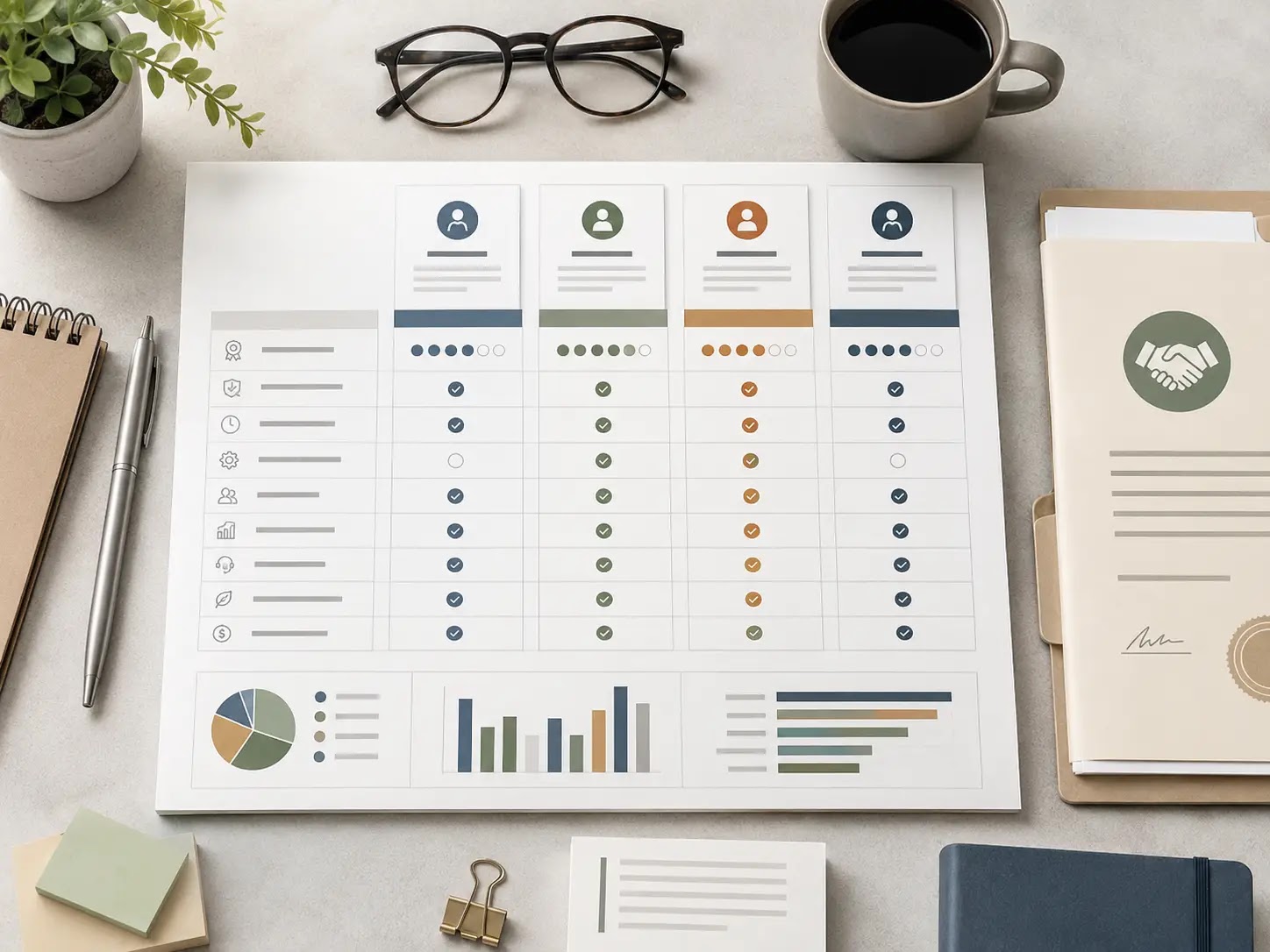
What can change the economics of vending machine POS and payment processing?
For a vending machine founder, the key planning issue is not just whether a card reader works. It is whether the full payment stack fits the machine mix, site mix, and route economics. Reader acceptance, cellular connectivity, processor fees, software subscriptions, replacement parts, and support response time can all change launch spend and monthly operating margin.
The practical tradeoff is simple: more payment convenience can improve sales conversion, but it also adds equipment, vendor dependency, and recurring fees. Those costs should be modeled against expected machine revenue, downtime, inventory turns, route mileage, and repair frequency so working capital is not understated.
For acquisition or funding readiness, the strongest assumption set names the exact hardware, software, merchant terms, and support responsibilities by machine type and location type. That makes vendor quotes easier to compare and gives lenders, landlords, and partners a clearer view of startup capital, reserve needs, and replacement risk.
Scenario tradeoffs to model before you commit
- Cash-heavy route: lower payment-processing complexity, but more collection handling and a higher risk of missed sales where cash is not convenient.
- Mixed-payment route: balanced setup for many locations, with moderate hardware and fee exposure and better flexibility across site types.
- Card-forward route: stronger convenience potential, but the highest sensitivity to processor fees, connectivity, hardware support, and replacement timing.
| Planning risk | Why it matters in a vending machine | Assumption affected | How to verify |
|---|---|---|---|
| Card reader uptime and cellular connectivity | Lost connectivity can block sales or create extra service calls. | Sales conversion, downtime, service labor | Test coverage at each site and confirm hardware support requirements with the vendor. |
| Processor and software fee structure | Small fee differences add up across many low-ticket transactions. | Gross margin, net cash flow, break-even sales | Request written merchant pricing, gateway fees, statement fees, and any minimums. |
| Hardware replacement and warranty terms | Reader failures can interrupt revenue and create surprise spend. | Capex reserve, maintenance budget | Check warranty length, swap policy, turnaround time, and spare-unit availability. |
| Machine compatibility and retrofit scope | Older machines may need extra parts or labor to accept cashless payment. | Install cost, launch timeline | Confirm compatibility by machine model and serial details before quoting. |
| Location and landlord expectations | Some placements may require vendor approval, wireless rules, or revenue-share discussion. | Site acquisition, commission assumptions, route economics | Review site terms directly with the decision-maker and document operating conditions in writing. |
| Working capital for refill and service cycles | Cashless sales can change inventory velocity and refill timing. | Inventory budget, route mileage, cash reserve | Map expected refill frequency and service trips against real route distances. |
In practice, the best planning models use conservative, base, and aggressive assumptions for card adoption, transaction fees, and service downtime. That helps you see whether the route still works if hardware is delayed, a processor quote changes, or a site underperforms. It also makes it easier to decide whether to start with a smaller rollout, add backup equipment, or reserve more cash for repairs and inventory.
Once these risks and assumptions are documented, the final action checklist can turn them into quote requests, site tests, and launch tasks.
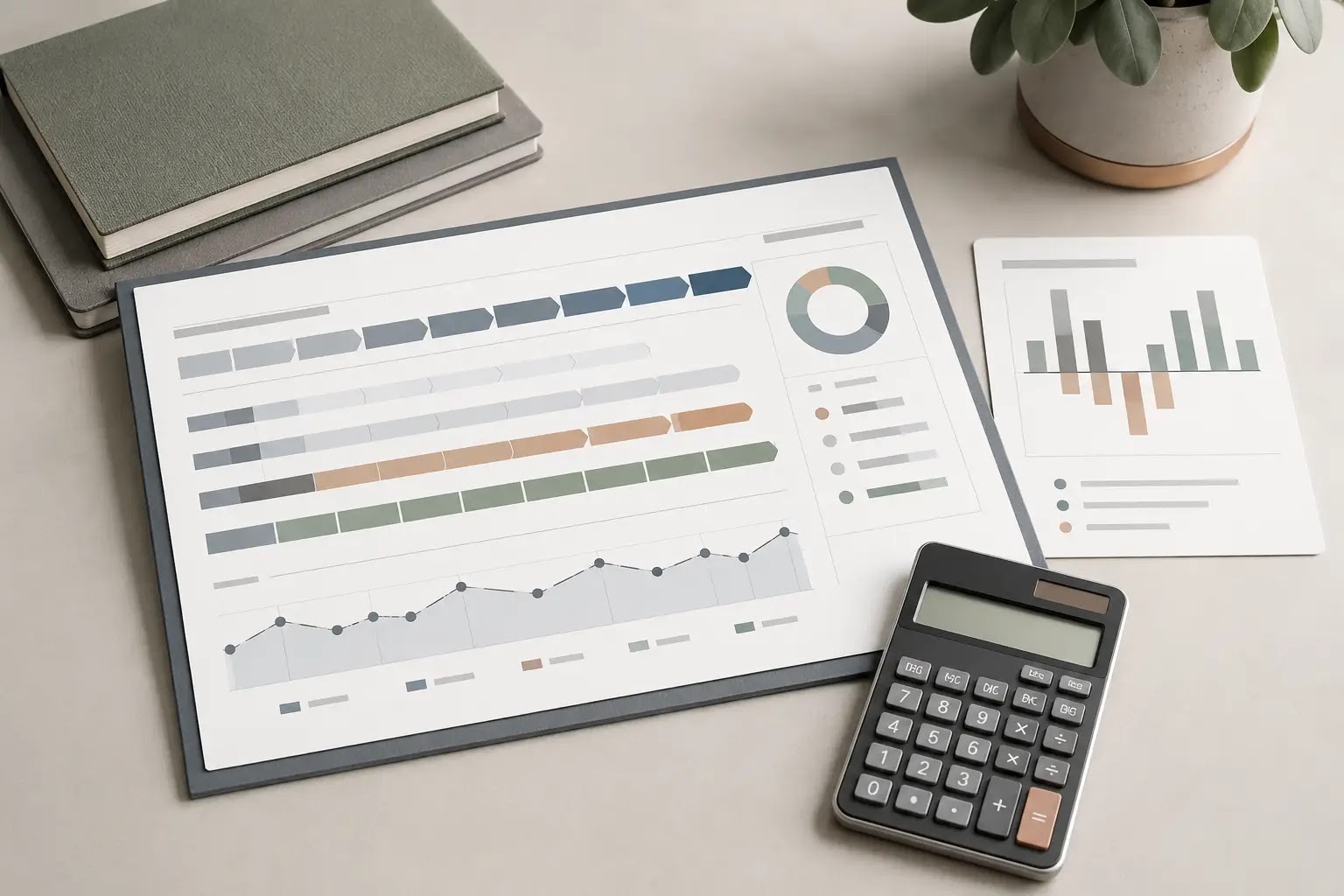
What should you do next before signing a vending POS or payment processing setup?
The practical decision path is simple: confirm the machines can support the payment hardware you want, verify processor and software terms, and then map the setup into route labor, cashless fees, service response, and working capital. If any of those inputs are uncertain, treat the quote as provisional until you can compare scenarios.
| Readiness check | What “ready” looks like | Notes to confirm |
|---|---|---|
| Machine compatibility | Payment hardware fits the machine and supports the intended transaction flow | Door space, power, network needs, and retrofit requirements |
| Processor terms | Fees, settlement timing, contract term, and support are documented | Ask for written vendor terms and any add-on charges |
| Software reporting | Sales, inventory, and route data are usable for forecasting and reconciliation | Check export format, dashboard access, and user permissions |
| Operating cost impact | Cashless fees, telecom, maintenance, and repairs are built into the model | Update assumptions before funding or ordering hardware |
| Service coverage | Install, troubleshooting, replacement, and support escalation are clear | Confirm response times and who handles field issues |
Next planning steps
- Collect at least two written quotes that separate hardware, software, payment processing, install, and support.
- Confirm whether each machine needs retrofit work, replacement parts, or a different POS/payment reader.
- Model monthly operating impact for processing fees, data service, repairs, and route labor.
- Check how cashless sales data will flow into your inventory and route reporting process.
- Compare vendor terms against your launch timeline, working capital plan, and service capacity.
- Document the assumptions you are using so you can defend them in a lender packet, buyer memo, or partner review.
If this setup is part of a startup, acquisition, or expansion decision, a business plan, financial model, pitch deck, checklist, and startup toolkit can help organize assumptions, compare scenarios, and document the plan for partners, lenders, landlords, or advisors.
Final takeaway: for a U.S. vending machine founder or buyer, the right POS and payment setup is the one that fits the machine, supports the route, and holds up in the numbers before launch—not the one with the lowest headline quote.